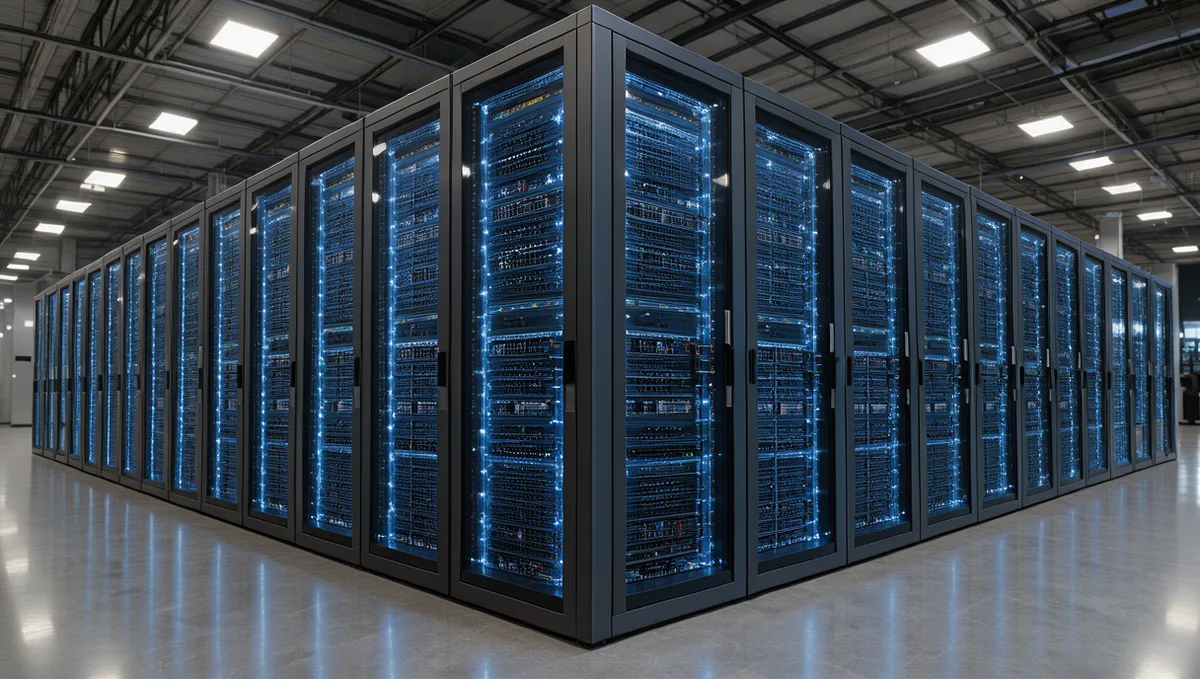
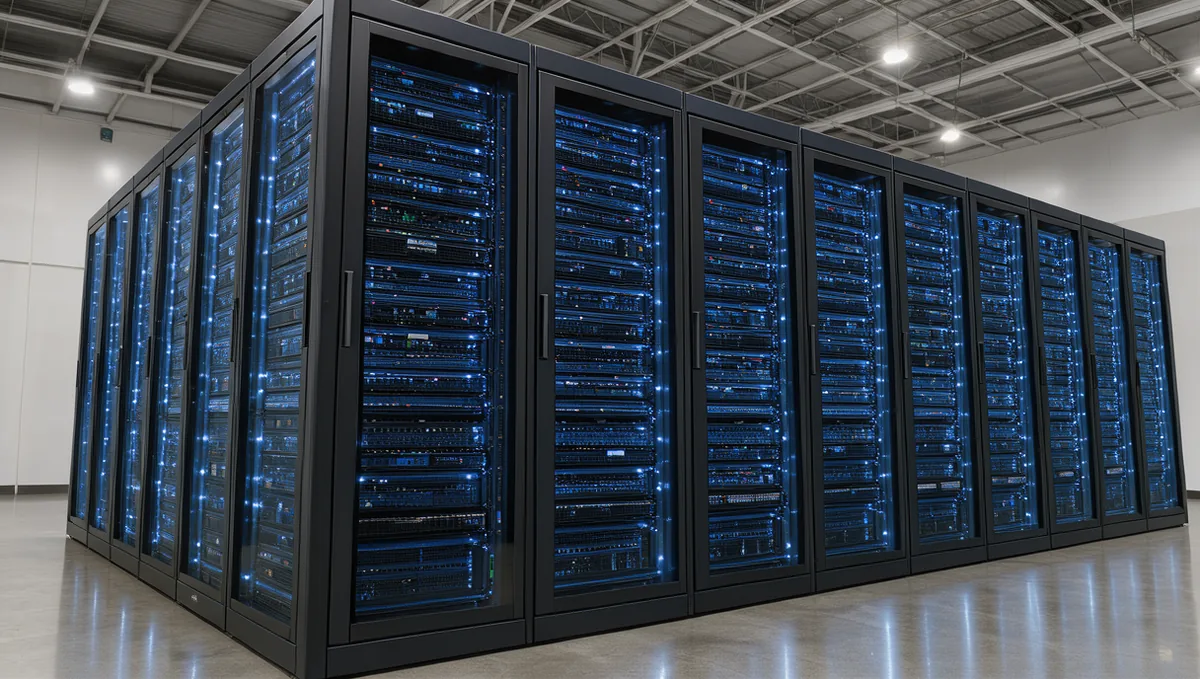
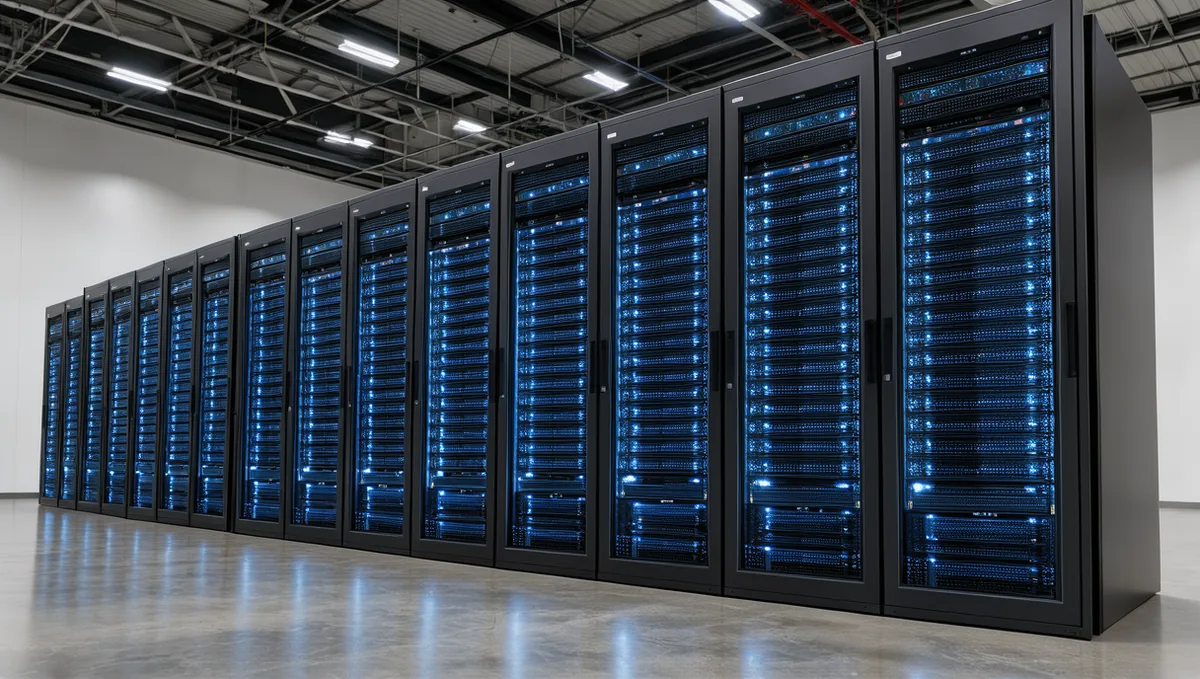
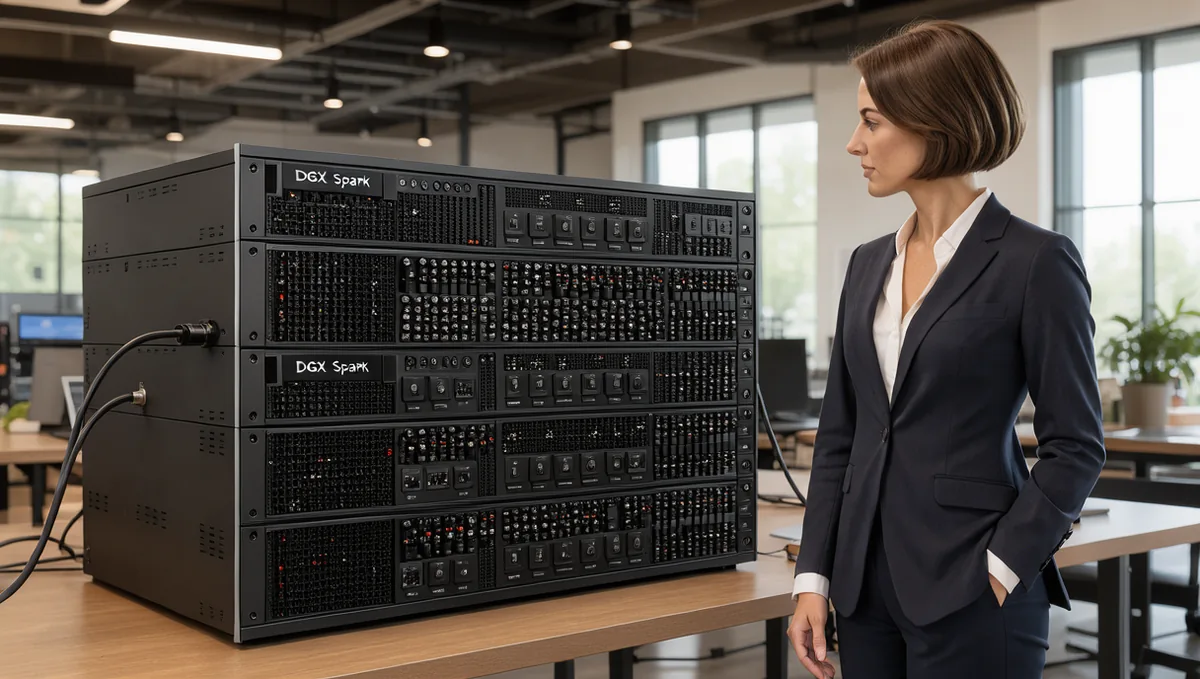
Two DGX Spark or GB10 units cluster with one 0.5 m QSFP112 cable, port to port, and three units form a switchless ring with three cables, each unit using both of its QSFP ports. Four units can run as a switchless ring with four cables, and eight, the size NVIDIA has officially supported since October 2026, call for a 200G-capable switch; we use MikroTik CRS812 switches with QSFP56-DD to 2 x QSFP56 breakout DACs. A single direct link measured 196 Gb/s of RDMA bandwidth, and the same 196 Gb/s held across the switch once the breakout trap described below was solved.
A DGX Spark cluster of two units is a fifteen-minute job with one cable, and a DGX Spark cluster of four or more is a different project entirely. Petronella Technology Group, Inc. has now built both, and today we published everything we learned as a public guide: Clustering NVIDIA GB10 workstations, released 2026-09-05 under a CC BY 4.0 license. It covers two nodes, the three-node ring, and a switched 200G RoCE fabric of six GB10 units on two MikroTik CRS812 switches, with the switch configuration, the measured RDMA matrix, and the vLLM tensor-parallel results. As far as we know it is the only public write-up of a switched multi-node GB10 fabric with measured bandwidth and token-throughput numbers.
We sell the 0.5 m QSFP112 400G cable that every GB10 workstation uses for clustering, which is why we had six of these machines on a bench in the first place. This post is the short version of the guide: what stands between two Sparks and a working four-node fabric, the traps that each cost us a session, what the fabric measured when it was right, and what a four-node tensor-parallel model delivered on top of it. Every number below comes from our own logs or from NVIDIA's and the switch vendor's documentation.
Read the full GB10 cluster guide on GitHub
Why a two-node DGX Spark cluster is easy and four is not
Every GB10 workstation, whatever the badge on the front, carries the same GB10 Grace Blackwell system-on-chip, 128 GB of unified LPDDR5x memory delivering 273 GB/s, and a ConnectX-7 network controller exposed as exactly two QSFP ports. NVIDIA documents each port at up to 200 Gb/s. The official port and cable details are in NVIDIA's DGX Spark clustering documentation, and our DGX Spark hardware page covers the machine itself.
Talk to Petronella Technology Group, Inc. about AI hardware and GPU clusters
We design on-premise AI deployments and sell the DGX Spark cluster cable for two-unit setups. Start with the free Private AI Infrastructure Blueprint.
Call Penny at 919-348-4912 or contact us online.
Two units need one cable, port to port, following NVIDIA's "Connect Two Sparks" playbook; if you only have a pair, start with what cable you need to connect two DGX Sparks. Three units need three cables in a ring, each unit using both of its ports, following NVIDIA's "Connect Three DGX Spark in a Ring Topology" playbook; every unit has a direct link to every other unit, so it is a full mesh with no switch. That is the full-mesh ceiling. We tried to push past it before buying the switch, with four units wired as four point-to-point /30 links, and the two non-adjacent units had no route to each other. All-to-all over four needs three links per node, and the hardware has two. Tensor-parallel inference does not need all-to-all, though: NVIDIA's October 22, 2026 results ran four- and eight-node switchless rings with NCCL pinned to its ring algorithm, and measured four in a ring within about 10 percent of four on a switch (32.82 against 36.34 tokens per second of decode on Qwen3.8-27B). This post covers the switch, which you need for eight nodes, for splitting the cluster into pools as we do below, and for any-to-any traffic; our four-to-eight-node ring versus switch post covers the choice in detail.
A second detail shapes every measurement in the guide. The ConnectX-7 is fed by two independent PCIe Gen 5 x4 links, so each physical port shows up in Linux as two Ethernet interfaces and two RDMA devices, one per PCIe half, each good for roughly 100 Gb/s. The interfaces enp1s0f0np0 and enP2p1s0f0np0 are the same wire, and to see 200 Gb/s on one cable you need traffic on both halves at once. NCCL does this on its own when you hand it both RDMA devices; a single TCP stream or a single ib_write_bw process does not. On a direct cable we measured 111.86 Gb/s on one half and 98.04 + 98.04 = 196.08 Gb/s with both halves running concurrently, 98 percent of line rate. The arithmetic behind the label is in our earlier post on why the cable says 400G and the link says 200G.
One more thing hides. A firmware power-throttled ConnectX-7 on one of our units reported 12.74 Gb/s of RDMA on a link that looked healthy in every status tool; an OS and firmware update plus reboot took it to 111.86 Gb/s. A single iperf3 TCP stream on the GB10's ARM cores also sits near 12 Gb/s regardless of the link, and that coincidence hid the throttle for weeks. Use ib_write_bw as the authority for link health and treat single-stream iperf3 as a CPU benchmark.
Need the cable? Two units need one cable and a switched fabric needs one per unit. We stock the 0.5m QSFP112 400G DAC, Amphenol NJAAKR-0006, in stock at $159 with free US shipping, shipping in 1 to 3 business days.
Buy now, $159 shipped or see multipacks on the DGX Spark cluster cable, $159 with free US shipping.
The switch, and the CRS812 breakout trap
A switched fabric needs a 200G-capable switch. We chose the MikroTik CRS812-8DS-2DQ-2DDQ-RM, on RouterOS 7.24.1 at the time of the build, because it had a public report of a 2 x 200G breakout working against GB10 units and does not vendor-lock optics or DACs. Each switch has 2 x 400G QSFP56-DD, 2 x 200G QSFP56, 8 x 50G SFP56 and 2 x 10G RJ45. Each DD port breaks out to two 200G legs, so one switch serves four nodes on breakouts, or six if you also use the native QSFP56 ports. We run two switches with a 200G ISL between the native ports, which provisions eight nodes on breakouts, and populate six: four MSI EdgeXpert units on the first switch and two DGX Spark Founders Edition units on the second.
The per-node build is simple. One 0.5 m QSFP112 DAC runs from the node's QSFP Port 0 into one QSFP56 leg of a QSFP56-DD to 2 x QSFP56 breakout cable (we used NADDOD Q2Q56-400G-CU1, MikroTik-coded, at $138 each). The node cable is the same DGX Spark cluster cable you would use for direct attach. Owners of the MSI variant can start from the MSI EdgeXpert cable page, the same part with the MSI fit notes.
The same 0.5 m DAC also links any two ConnectX-7 QSFP112 ports, so it can run from a node to a QSFP112 switch port when the switch accepts a passive DAC and sits within cable length; see the ConnectX-7 QSFP112 DAC cable page.
Here is the part nobody documents. Plug a breakout DAC into a QSFP56-DD port on the CRS812 and the switch detects the cable, reports auto-negotiation failed, and shows no link on the legs. The QSFP56-DD ports do not auto-negotiate 2 x 200G. Per MikroTik's compatibility notes, you must set the speed explicitly on the lane-master interfaces of each DD port, lanes 1 and 5: set qsfp56-dd-1-1 auto-negotiation=no speed=200G-baseCR4, and the same for qsfp56-dd-1-5, qsfp56-dd-2-1 and qsfp56-dd-2-5. Within about ten seconds all four legs came up link-ok at 200 Gbps with FEC91. The second requirement is jumbo frames on the switch, not only the hosts: set l2mtu=9216 mtu=9000 on every fabric port and the ISL, because the hardware-offloaded forwarding path uses the port's l2mtu rather than the bridge's. Prove it with ping -M do -s 8972 between every pair of nodes on both planes.
The third trap only appears with two switches. Both of ours also had a copper uplink into our campus network for management, which creates a layer-2 loop, and RSTP put the ISL into the blocked role. Fabric traffic between the switches was silently detouring through the campus network at 2.5 Gb/s and MTU 1500: cross-switch jumbo pings failed and cross-switch RDMA measured 4.47 Gb/s. The fix that worked without touching a cable was raising the RSTP path cost on the second switch's campus uplink (path-cost=200000000) so far that the switch re-roots through the ISL. Cross-switch RDMA went from 4.47 to 109.08 Gb/s immediately. RSTP is VLAN-blind, so a fabric VLAN alone would not have helped.
The bridge and hardware-offload trap: 196 to 5 Gb/s
Our first attempt to isolate the fabric from the campus LAN was the textbook one: a second bridge named fabric on each switch containing only the DD legs and the ISL. The ISL unblocked and jumbo pings passed end to end. Then every RDMA test collapsed. The MSI pair through the first switch, both halves, dropped from 196 Gb/s to 4.85 Gb/s. The DGX Spark pair through the second switch dropped from 109 Gb/s to 4.9 Gb/s. iperf3 TCP dropped from 93 Gb/s to 8.8 Gb/s. The sending NIC logged packet_seq_err and congestion notification packets, which means loss.
The cause is in MikroTik's documentation for this switch family: the Marvell Prestera switch chip hardware-offloads only one bridge. A second bridge is forwarded by the switch's CPU, which tops out in the single-digit Gb/s range and drops the rest. We reverted to one bridge per switch with hw-offload=yes on every fabric port, deleted the second bridges, and re-verified 109.2 and 109.3 Gb/s on both pods. The RSTP path-cost change replaced the second bridge. The trade-off is that fabric ARP now leaks onto the management LAN; VLAN filtering inside the single bridge, which the Prestera chip does offload, is the fix when we get to it.
The final configuration is short: DD lane masters and the ISL forced to 200G-baseCR4 with jumbo frames, one hardware-offloaded bridge per switch, management addresses on the bridge interface, a very high RSTP path cost on the second switch's campus uplink, and no PFC or ECN at all. RoCE ran at line rate without either in every test. The sanitized RouterOS block is in the guide's switched-fabric document.
Order the cluster cable, $159 with free US shipping
What the DGX Spark cluster fabric measured
Before any model touched the fabric we measured it with ib_write_bw, one PCIe half at a time and then both, then all pairs concurrently: 65,536-byte messages, 6 seconds, --report_gbits. A four-node serving run was live on the first switch throughout and survived every round.
- Direct cable, one half: 111.86 Gb/s. Both halves concurrently: 98.04 + 98.04 = 196.08 Gb/s.
- Through one switch, both halves, between two MSI units on different DD ports so the traffic crosses the switch ASIC: 98.0 + 98.0 = 196 Gb/s. iperf3 TCP on both halves: 93.1 + 92.6 Gb/s.
- DGX Spark pair through the second switch, one half: 109.11 Gb/s against the 111.86 direct-attach baseline. The switch costs about 0.75 Gb/s per half, or 0.7 percent.
- Three intra-switch pairs at once, one half each: 109.31 + 109.22 + 109.27 = 327.8 Gb/s aggregate. A DGX Spark pair and an MSI pair land within 0.1 Gb/s of each other.
- One cross-switch flow over the 200G ISL: 109.08 Gb/s. No measurable ISL penalty for a single flow.
- Two cross-switch flows sharing one ISL direction: 81.92 + 81.90 = 163.8 Gb/s. Two 100G senders into one 200G direction split evenly with no PFC configured; DCQCN in the NICs handled it, and this was the only round where
packet_seq_errgrew, by about 5,500. - Bidirectional ISL, one flow each way plus an intra-switch pair: 109.19 + 109.10 + 109.14 = 327.4 Gb/s aggregate, the same as three intra-switch pairs. The ISL is full duplex.
That counter shows up in two very different situations. Under deliberate oversubscription with throughput near line rate, a few thousand errors is congestion control working. The same counter growing while throughput sits in the single digits is a broken path: something is software-forwarding, mis-negotiated, or running at MTU 1500. Our other three rounds grew it by zero. The commands for every row, including how to find the right RoCE GID index, are in the guide's validation matrix.
What a four-node DGX Spark cluster delivered
The GB10's GPU is CUDA compute capability 12.1, and as of August 2026 the vendor vLLM images for the models we care about did not run on it without patches. The stock image for GLM-5.3-Flash died five different ways before producing a token: a wrong attention backend gate, a NaN in the attention kernel at specific batch sizes, a silent NCCL downgrade from 2.30.7 to 2.29.7 that fails on the RoCE fabric, a CUTLASS DSL mismatch, and a Programmatic Dependent Launch race. The community patch chains we built on, chiefly tonyd2wild's GLM-5.3-Flash recipes and x00byte's Qwen3.8-Flash recipe on GitHub, fix all of them, and the guide credits each by name.
With the patched image, GLM-5.3-Flash NVFP4 with tensor parallel 4 across the four MSI units came up with a GPU KV cache of 2,246,948 tokens (16 GiB fp8 per rank). 17 GB crossed the RDMA device during the run, and the outputs had zero NaN. Single-stream decode at temperature 0 on 256-token outputs measured 26.5 tok/s on prose, 38.1 on code and 46.7 on math. Prefill on a roughly 8,900-token prompt was 725 tok/s with a 12.3-second time to first token cold, and 3,840 tok/s with a 2.3-second time to first token warm. Six concurrent streams delivered 91.2 tok/s aggregate, about 15 per stream. Giving NCCL both RDMA devices per node raised prefill 9 percent but cost 5 to 9 percent on decode; GLM's tensor-parallel all-reduce is latency-bound, so keep one device.
Qwen3.8-Flash-Next NVFP4 was the other winner, and it needed expert parallel to load on four nodes at all, because plain tensor parallel 4 slices its MoE intermediate size below what the NVFP4 kernels accept. With tensor parallel 4 plus expert parallel it delivered 39.6 / 57.0 / 76.9 tok/s single stream, 3,547 tok/s warm prefill with a 2.51-second time to first token, 167.4 tok/s across six concurrent streams, and a 2,643,285-token KV cache. Against the same model on two nodes (35.3 / 36.0 / 53.2 tok/s) that is 21 to 54 percent faster per stream, the one case where clustering buys per-stream speed: a mixture of experts whose per-rank working set shrinks. Every row, with per-rep ranges, latency and dates, is on our self-hosted LLM benchmark page.
For scale, the same GLM-5.3-Flash model in FP8 on four H200 GPUs with NVLink, on the same harness, decodes at 233 to 339 tok/s single stream with 14,071 tok/s aggregate. Four GB10 units are roughly one tenth of four H200 on per-stream decode, at a fraction of the price and power, with a 2.25M-token KV cache. Clustering GB10 units is a capacity play, not a raw speed boost; the 273 GB/s memory bus inside each unit against the 25 GB/s link between them is the reason. We measured what happens when you ignore that: a dense 27B FP8 model that decodes at 8.3 tok/s and prefills at 1,963 tok/s on one unit fell to 3.5 tok/s and 539 tok/s when sharded across four units over 10 Gb/s management Ethernet. Tensor parallel is only worth running over the RDMA fabric at line rate.
What six nodes can and cannot do
With the two DGX Spark units joined on the second switch we tried to run Qwen3.8-Flash-Next across all six, and three findings were definitive for this checkpoint and image. First, six-rank NCCL exceeds Docker's default file-descriptor limit of 1,024; four ranks fit under it by luck, so set --ulimit nofile=1048576:1048576 on every multi-node container. Second, tensor parallel 6 is impossible: the NVFP4 mixture-of-experts kernels fail a divisibility assertion, even with expert parallel. Third, pipeline parallel is impossible, because the architecture's cross-layer hyper-connections are not sliceable by pipeline stage in this vLLM implementation.
So six GB10 units serve this model as pools. We deployed three tensor-parallel-2 plus expert-parallel pairs, each pair within one switch so no traffic crosses the ISL, and benchmarked all three concurrently. The pairs landed at 32.5 / 43.7 / 47.1, 34.7 / 45.7 / 52.1 and 33.1 / 43.8 / 48.4 tok/s on prose, code and math; the DGX Spark pair is indistinguishable from the MSI pairs. Pool totals: about 386 tok/s of decode across 18 streams and about 9,450 tok/s of prefill capacity, 2.2 times the aggregate of the four-node endpoint. Eight would divide cleaner than six: this model's attention heads, 512 experts and 640-wide MoE intermediate dimension all divide by 8 and none divide by 6, and the fabric is already provisioned for eight nodes.
NVIDIA's switch playbook covers up to four systems, and NVIDIA announced official support for eight-node clusters on October 22, 2026. Six on two switches is what we ran and measured for this post, and the guide describes it as measured. Two things we did not buy and now recommend for anyone racking GB10 units remotely: a smart PDU, because the units have no BMC, and a memory guard on every serving rank, because GPU and unified-memory allocations are not charged to a container's memory cgroup.
Bill of materials for a DGX Spark cluster
Every topology uses the same node cable: a 0.5 m QSFP112 passive direct-attach copper cable, 30 AWG, built to the NVIDIA-approved Amphenol NJAAKK0006 / Luxshare LMTQF022-SD-R specification. It is rated 400G and links at 200G on every GB10. One cable per node in every topology. Prices at publication: single cable $159, 2-pack $299 ($149.50 each), 3-pack ring kit $435 ($145 each). Free shipping inside the United States, United States addresses only, in stock and shipping in 1 to 3 business days. Volume pricing for five or more is by phone at 919-348-4912.
What to budget for the fabric alone, excluding the nodes and the switch itself:
- Two nodes, direct: one cable, $159.
- Three nodes, ring: the 3-pack, $435.
- Four nodes, ring: the 4-pack four-node ring kit, $568, no switch and no breakouts.
- Four nodes on one switch: two 2-packs ($598) plus two breakout DACs at $138 each, $874 plus the switch.
- Six nodes on two switches: three 2-packs ($897), three breakouts, and one 200G DAC for the ISL, which can be a cable freed from the old direct-attach links; $1,311 to $1,470 plus two switches.
- Eight nodes on two switches: four 2-packs ($1,196), four breakouts, one ISL DAC; $1,748 to $1,907 plus two switches.
Check current MikroTik pricing for the switch; we do not quote it.
Ask us to spec your four-node or larger build
Frequently Asked Questions
How many DGX Spark or GB10 units can I cluster without a switch?
Four, for inference. Two units link directly with one cable, three form a switchless ring with three cables, and four can run as a switchless ring with four cables, each unit using both of its QSFP ports. A fourth cannot be cabled directly to all the others, but tensor-parallel inference only talks to neighbors, and NVIDIA's October 2026 testing ran four- and eight-node rings. Eight units, split pools, or any-to-any traffic need a switch.
Do I need one cable or two between two units?
One cable gives you the full 200 Gb/s, because one physical port is two PCIe Gen 5 x4 halves and NCCL uses both when you list both RDMA devices. You need both halves configured, meaning two interfaces and two addresses, not two cables. We measured 196.08 Gb/s on a single direct cable.
Which switch works for a DGX Spark cluster of four or more?
We use the MikroTik CRS812-8DS-2DQ-2DDQ-RM with QSFP56-DD to 2 x QSFP56 breakout DACs. One switch serves four nodes on breakouts, or six with its two native 200G ports; two switches joined by a 200G inter-switch link serve eight. The non-obvious step is forcing speed=200G-baseCR4 with auto-negotiation off on the lane masters of each DD port.
Why did my fabric drop to 5 Gb/s after I put it in its own bridge?
The CRS812's Marvell Prestera switch chip hardware-offloads only one bridge. A second bridge is forwarded by the switch CPU; ours fell from 196 Gb/s to 4.85 Gb/s. Go back to one hardware-offloaded bridge and use VLAN filtering inside it if you need isolation.
My link shows 200G but I only get 12 to 13 Gb/s. What is wrong?
If that is an ib_write_bw figure, the NIC is firmware power-throttled; update the OS and firmware and reboot. One of ours went from 12.74 to 111.86 Gb/s. If it is a single-stream iperf3 figure, that is the ARM CPU, not the link.
Does clustering make a model faster?
Usually not. A single GB10 runs models up to roughly 200B parameters and two linked units reach about 405B; decode is bound by the 273 GB/s memory bus, which the 25 GB/s link cannot change. The exception is a mixture-of-experts model whose per-rank working set shrinks with expert parallel: Qwen3.8-Flash-Next went from 35.3 / 36.0 / 53.2 tok/s on two nodes to 39.6 / 57.0 / 76.9 on four.
Can one model span all six units?
Not with the checkpoints we tried. Tensor parallel 6 fails a divisibility check in the NVFP4 MoE kernels and pipeline parallel fails on the architecture's cross-layer connections. Run pools of pairs, which gave us about 386 tok/s aggregate decode across six units. Eight divides cleaner.
Is six nodes on two switches an NVIDIA-supported configuration?
NVIDIA's switch playbook is written for four systems, and on October 22, 2026 NVIDIA announced official support for eight-node clusters, which it recommends building on a switch. Our six-node, two-switch layout is our own measured configuration rather than an NVIDIA reference design. The cable itself is built to the NVIDIA-approved spec in every topology.
Where to go from here
If you have two or three GB10 units, the cluster cable at $159 with free US shipping and NVIDIA's playbooks are all you need. Four running one model can stay switchless as a four-cable ring. If you plan a switch, read the switched-fabric and validation documents before you buy a switch, force the breakout speed on day one, keep one bridge, and measure with ib_write_bw before you blame the model. If a number in the guide disagrees with what you measure, open an issue on the guide repository with your command line and the raw output, and we will re-run it. For a build quote or switch guidance, call 919-348-4912 or use the contact form, and an engineer at Petronella Technology Group, Inc. will map the ports, cables and switch with you before you commit to any of it.
Talk to Petronella Technology Group, Inc. about AI hardware and GPU clusters
We design on-premise AI deployments and sell the DGX Spark cluster cable for two-unit setups. Start with the free Private AI Infrastructure Blueprint.
Call Penny at 919-348-4912 or contact us online.
Reference build sheets, a hardening checklist for open-weight model hosting and a data-sovereignty map for running AI on your own hardware.
Get the free guide